![Optii Logo 3x (2)-3.png]](https://help.optiisolutions.com/hs-fs/hubfs/Optii%20Logo%203x%20(2)-3.png?height=40&name=Optii%20Logo%203x%20(2)-3.png)
Let's be honest: building the room board shouldn't be the hardest part of your morning. Counting rooms, balancing loads, re-checking who's on which floor… it adds up fast.
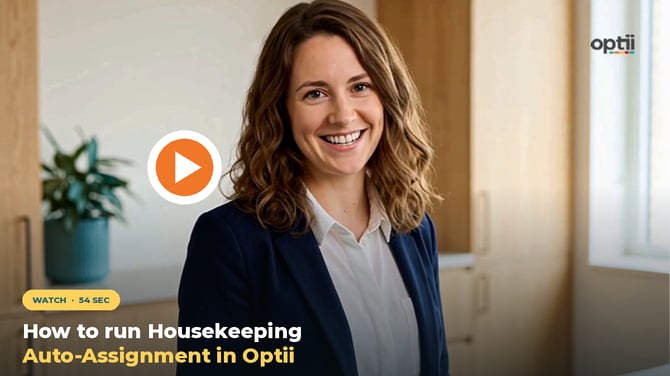
With the Optii Housekeeping Auto-Assignment, Optii does the heavy lifting. You set up your team, pick the rooms, and click once. Optii matches every selected room to the right person, based on their shift, workload, and locations.
This week's challenge: "Try it on your very next shift." ⏱️
💡 Pro tips for leaders
-
Roster first, always.** The assignment is only as smart as your roster. Wrong hours or credits mean uneven loads.
-
Make it a morning habit.** Build the roster check into your morning briefing so the board is ready before the team hits the floor.
-
Late rooms? Run it again. When new rooms come in, just select the new uncovered tasks and click Auto-assign again.
💡Tip: Feel free to share this valuable resource with your colleagues to explore Optii.
Would you like to learn more?
If you would like to learn more about Optii, please check out our Optii learning centre today at help.optiisolutions.com
Have questions or need help?
Do you have any questions about Optii? Please contact your success manager today at help@optiisolutions.com